EasePDF

AI-powered PDF software

AI-Powered PDF Editor for Every Device

View, edit, annotate, convert, OCR, sign, and manage PDF documents across desktop and mobile.

EasePDF interface

All the PDF Tools You Need

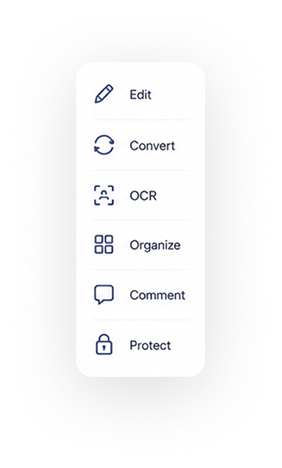
Work with PDFs from start to finish in one app - read, edit, annotate, convert, OCR, sign, organize, and use AI tools to process documents faster.
AI Tools
Fill & Sign
OCR
Edit
Convert
Organize
Read
Annotate
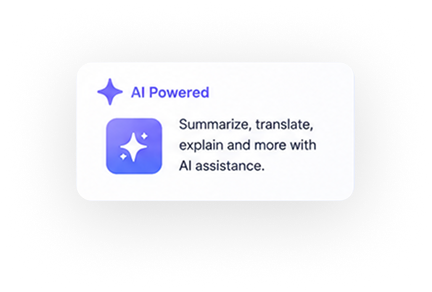
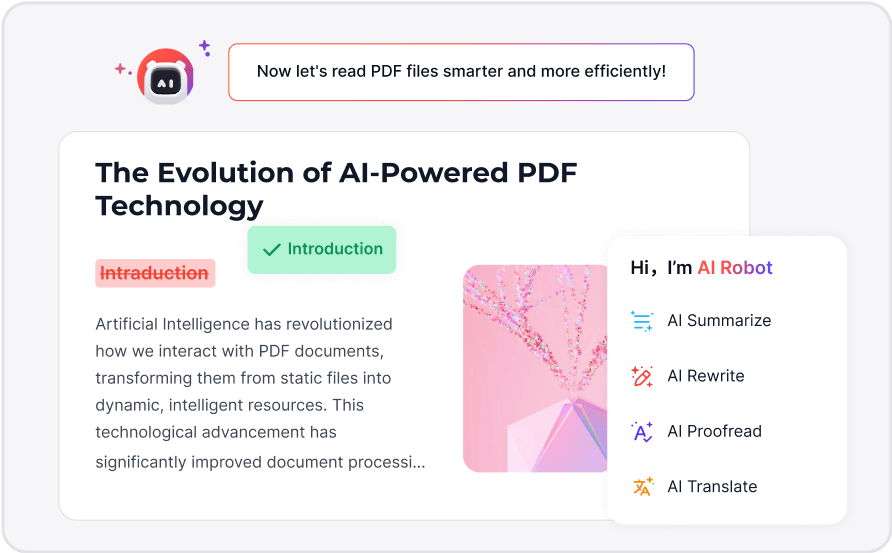
Smart AI PDF Editor

Process documents faster with AI tools powered by ChatGPT and DeepSeek.

  • Translate, summarize, rewrite, and proofread PDF content.
  • Extract key insights from lengthy documents, reports, and complex datasets.
  • Use DeepThink mode for deeper PDF content understanding.
Smart AI PDF Editor
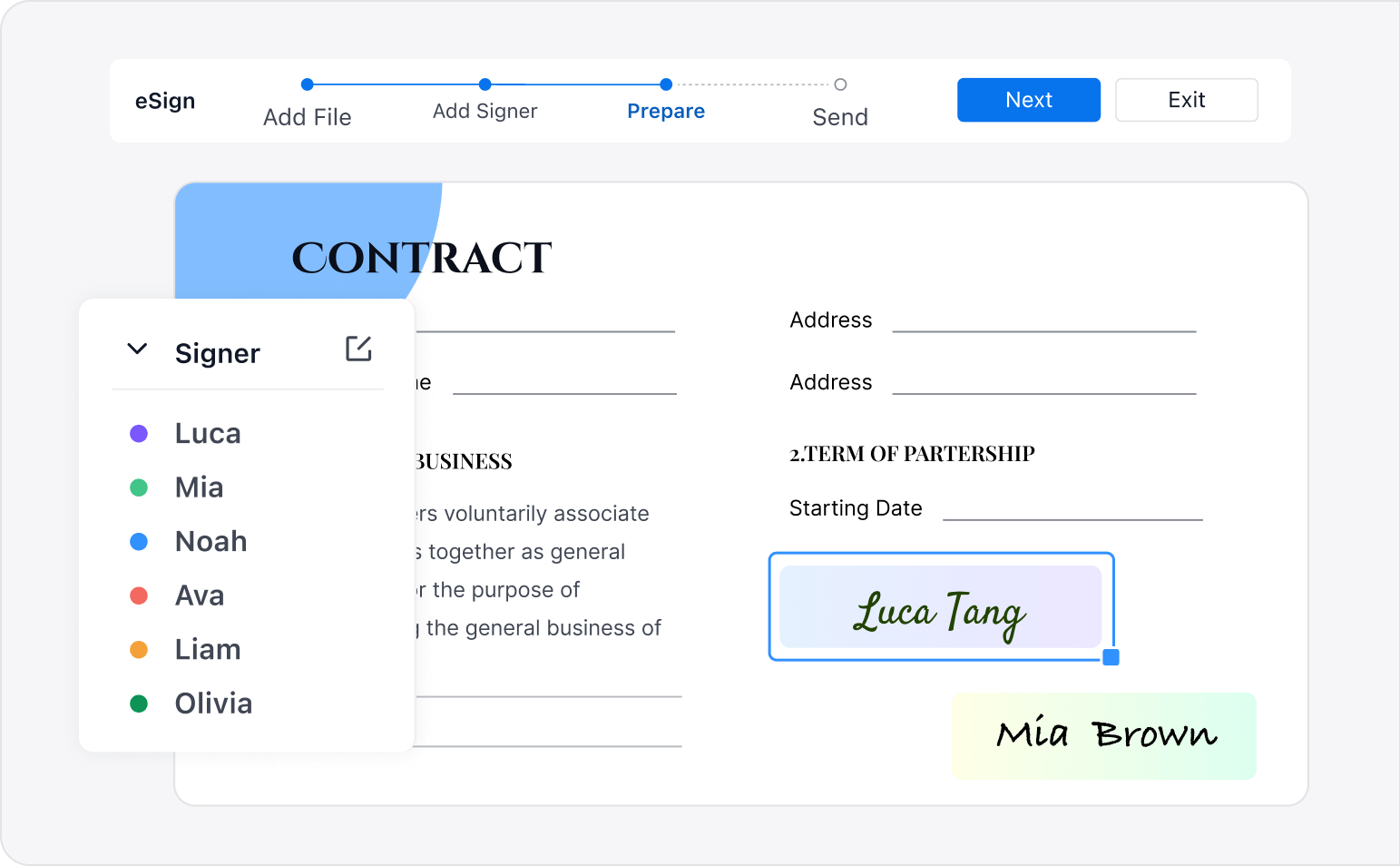
Create Fillable Forms and Sign PDFs

Fill, create, sign, and manage PDF forms in one workflow.

  • Recognize and fill PDF forms quickly
  • Create fillable PDFs with text fields, radio buttons, checkboxes, and images
  • Add digital or ink signatures, and manage eSign workflows for sending, tracking, and signer management
Fill and Sign
Convert Scanned PDFs to Editable Files

Turn scanned documents and images into editable, searchable PDFs.

  • Convert scanned files into editable PDFs with accurate OCR
  • Extract text from selected areas while preserving document layout
  • Improve scanned documents with image correction and enhancement
  • Recognize text in 90+ languages, including English, Chinese, French, Russian, German, and more
OCR
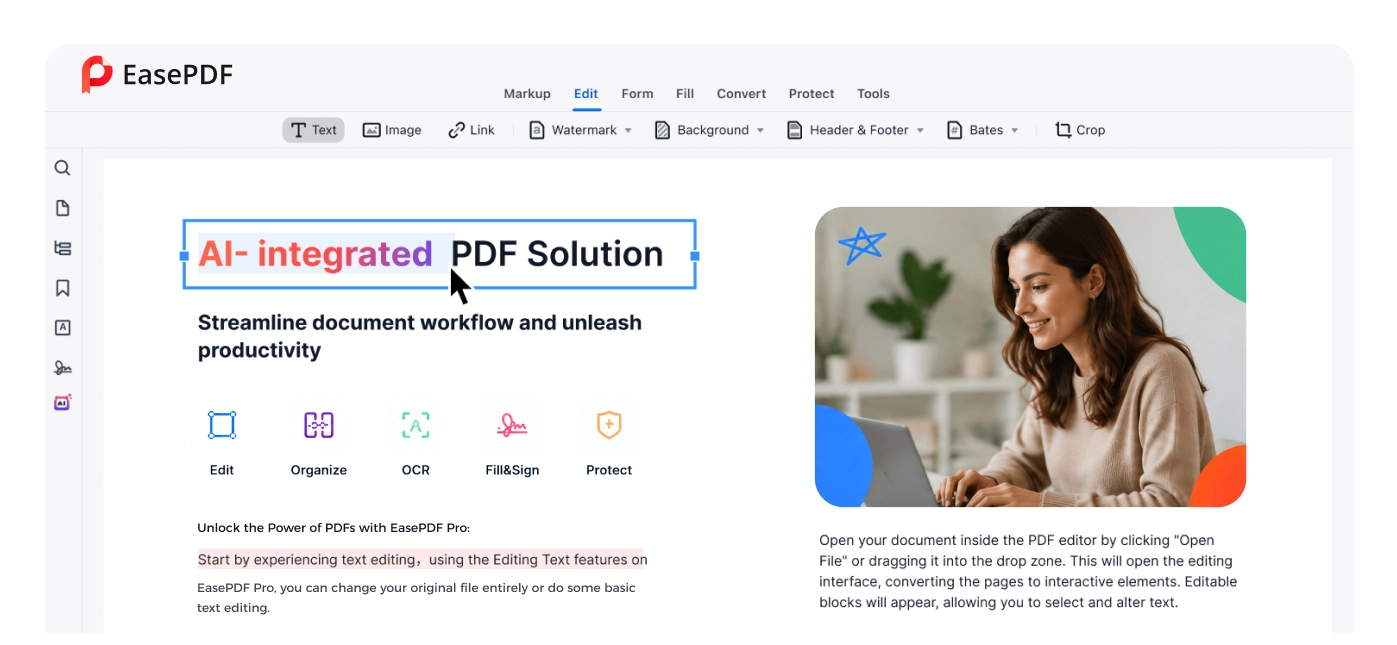
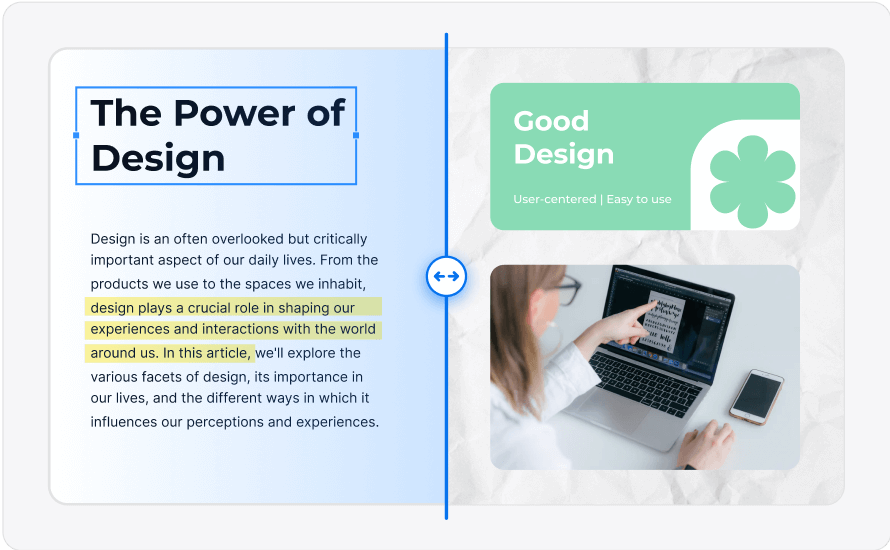
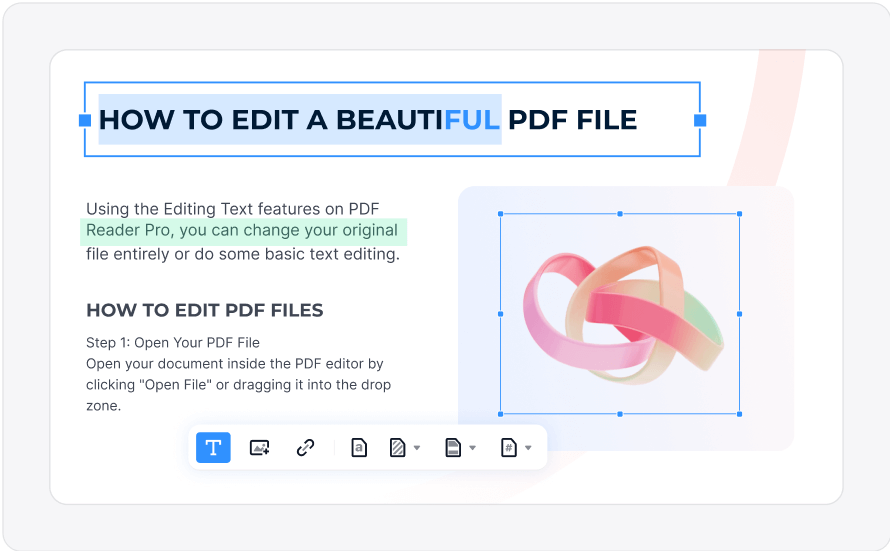
Edit PDF Files Like Word

Edit PDF text, images, and page elements without rebuilding your document.

  • Edit PDF text while keeping the original formatting
  • Crop, replace, rotate, resize, flip, or add images
  • Edit headers, footers, hyperlinks, watermarks, backgrounds, and other PDF elements
Edit PDF
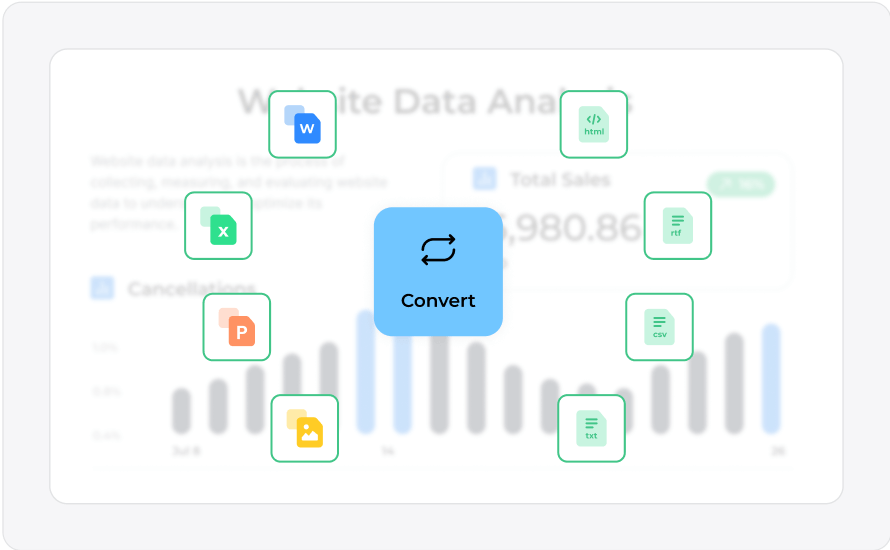
High-Quality PDF Converter

Convert PDFs into the formats you need for work, study, and sharing.

  • Convert PDFs to Word, Excel, PowerPoint, images, CSV, HTML, and more
  • Extract tables from PDFs and convert them to Excel for data analysis
  • Combine multiple image files into one PDF file with one click
Convert PDF
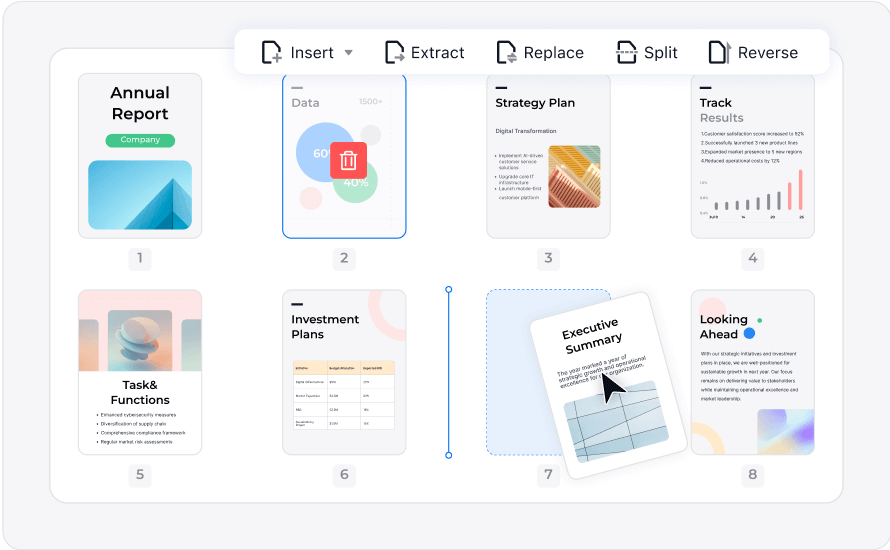
Organize PDFs Efficiently

Keep long documents and multi-file projects easy to manage.

  • Merge, split, extract, reorder, rotate, or delete PDF pages
  • Combine multiple PDFs into one document
  • Compress PDFs for faster sharing and smarter storage
Organize PDF
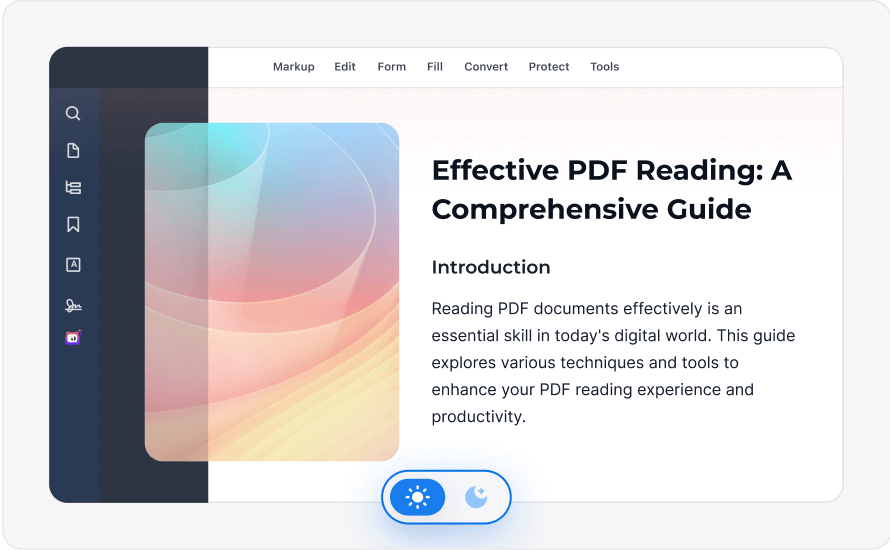
Read PDFs in Enhanced Mode

Read PDFs more comfortably with a cleaner viewing experience.

  • Use Read Mode for distraction-free scrolling
  • Switch between Dark Mode and Light Mode
  • Navigate PDFs with multi-tab support, bookmarks, outlines, thumbnails, and annotations
Read PDF
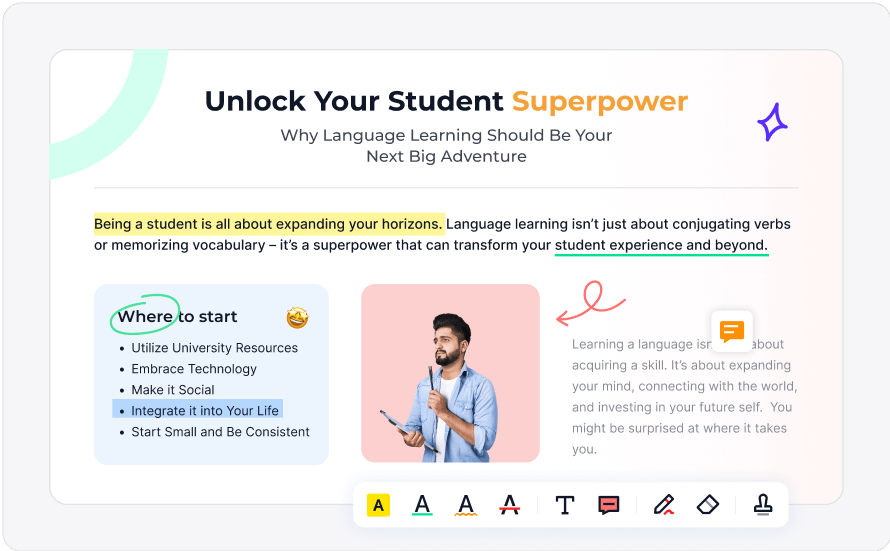
15+ Annotation Tools

Review, mark up, and collaborate on PDF documents.

  • Highlight, draw, add text boxes, sticky notes, shapes, stamps, and more
  • Add timestamped stamps or hyperlinks for easier referencing
  • Reply to comments quickly to improve team review workflows
Annotate PDF

Download EasePDF Pro

Choose your device and start working with PDFs today.

macOS
MAC OS

Supports macOS 11.0 or later

Free Download
Windows
WINDOWS

Supports Windows 10 or later

Free Download

PDF Solutions for Various Industries

EasePDF Pro supports document workflows across education, government, healthcare, banking, business, construction, and more.

Education
Education

Annotate lesson materials, organize PDFs, convert files, and manage student assignments with tools built for teaching workflows.

Government
Government

Improve secure document workflows with PDF viewing, annotation, signing, collaboration, and organization tools.
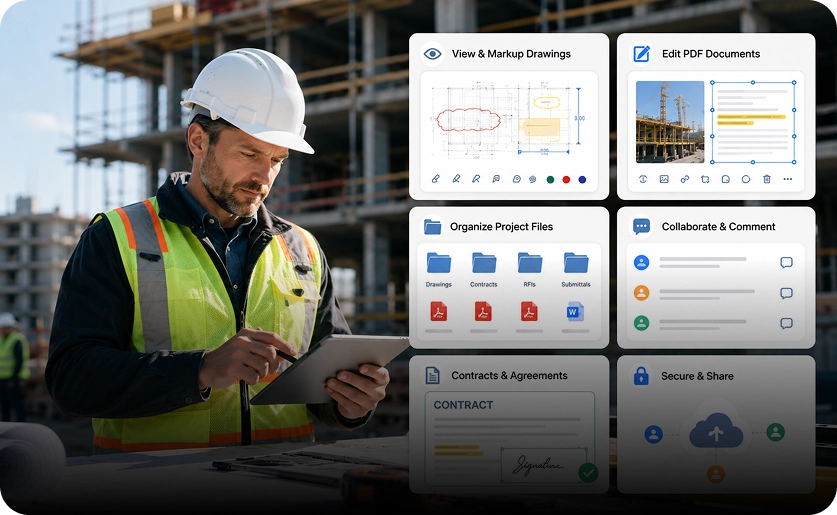
Construction
Construction

Simplify access to construction documents, drawings, contracts, and
project files with PDF viewing, editing, and organization tools.
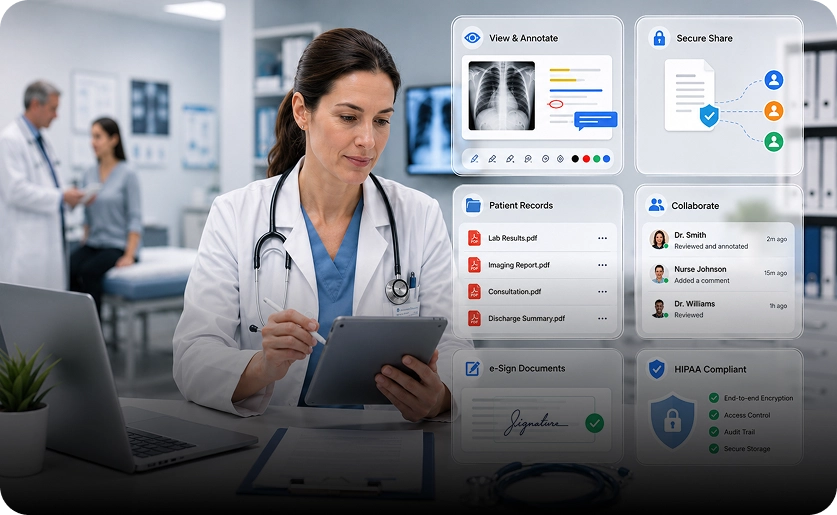
Healthcare
Healthcare

View, annotate, and securely share medical records and PDF documents to support collaboration and patient care workflows.

Banking
Banking

Manage financial documents with PDF editing, conversion, annotation, signing, and secure document handling.

Business
Business

Support everyday business workflows with PDF editing, form filling, conversion, collaboration, and document management.

Why Choose EasePDF?

EasePDF brings essential PDF tools into one familiar workspace, helping you avoid switching between multiple apps for everyday document tasks.

Adobe Acrobat Alternative

One-time purchase options. No forced subscription. More freedom for everyday PDF work.

User-Friendly Interface

Read, edit, annotate, convert,
and sign PDFs with a clean
interface that is easy to learn.

Versatility and Compatibility

Use EasePDF Pro across macOS, Windows, iOS, and Android for personal, academic, and business workflows.

24/7 Customer Support

Get support whenever you need help with setup, licenses, or PDF
workflows.

Loved by 90 Million People

From signing client documents to grading papers and organizing case files, users rely on EasePDF Pro for practical PDF workflows every day.

I review dozens of campaign reports every week. EasePDF helps me highlight key insights, leave comments, and share feedback with my team in minutes.

Olivia
Olivia
Marketing Manager

We manage a huge volume of documents across departments. With EasePDF, organizing, merging, and securing files has become incredibly simple.

James
James
Operations Director

We handle hundreds of employee documents every month. EasePDF makes it easy to organize files, collect signatures, and keep everything securely stored in one place.

Emily
Emily
HR Manager

Start Working Smarter with PDFs Today

Whether you need a simple PDF reader, an Adobe Acrobat alternative, or an AI-powered PDF editor for everyday work, EasePDF Pro gives you the tools to handle documents faster.
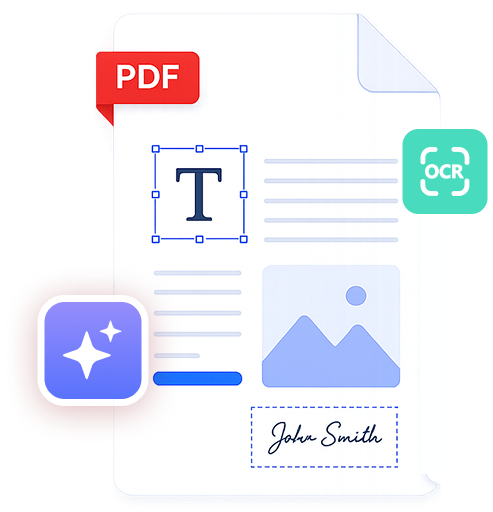
EasePDF features