EasePDF Pro

High-Precision OCR: Make Scans and Images Instantly Editable

Accurately recognize complex layouts and multiple languages—featuring flawless support for vertical Japanese formatting. Achieve a truly paperless workflow with enterprise-grade accuracy.

Zero UploadsNo Size RestrictionsPrivacy Protected
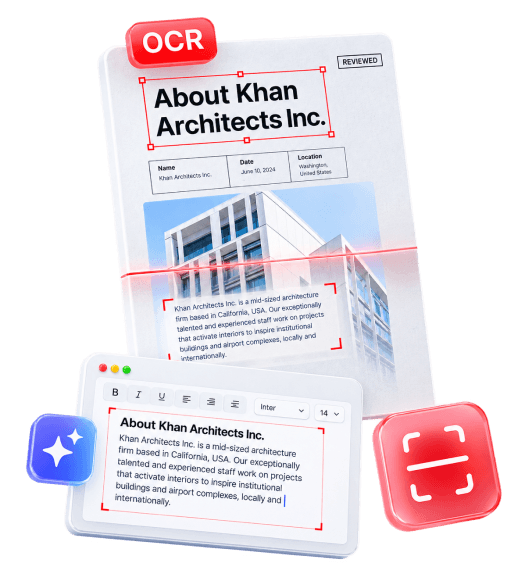
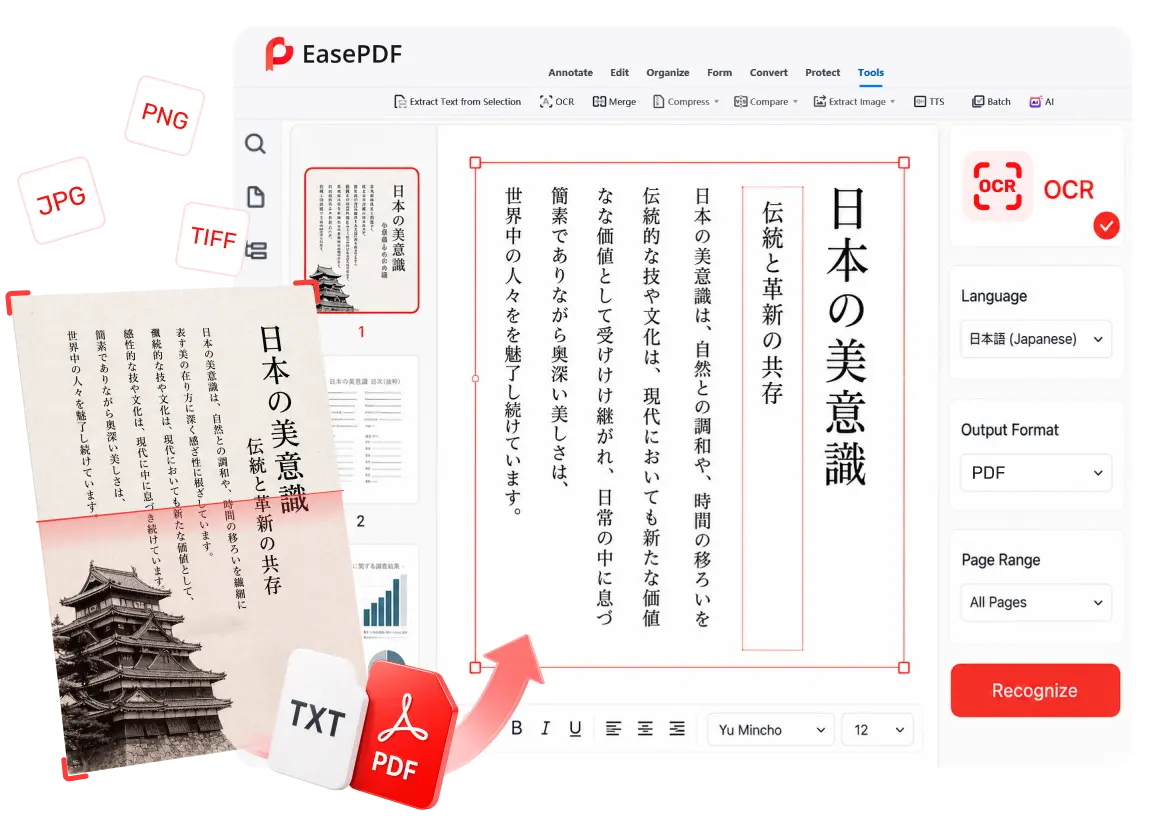
EasePDF Pro high-precision OCR interface

Master Complex Layouts and
Multi-Language Documents

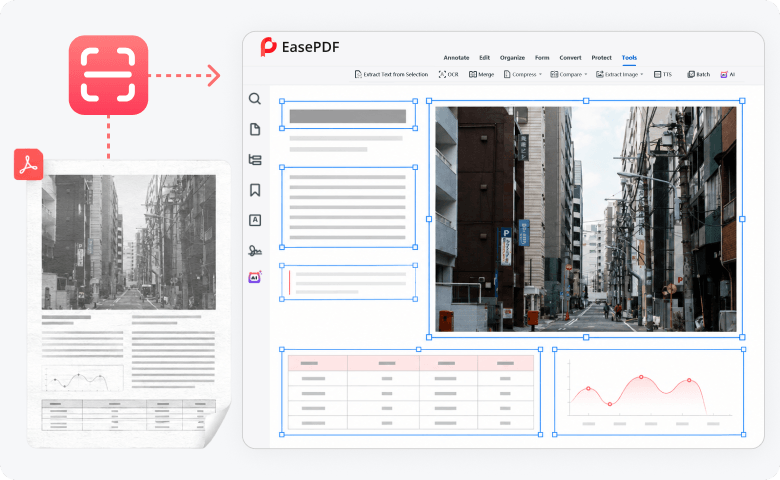
Flawless Multi-Language & Vertical Text Support

Standard OCR tools panic when mixing English, Chinese, and German, or when processing vertical Japanese text. EasePDF Pro's advanced engine intelligently recognizes mixed languages and correctly parses vertical formatting, making it the ultimate tool for international business and academic translation.
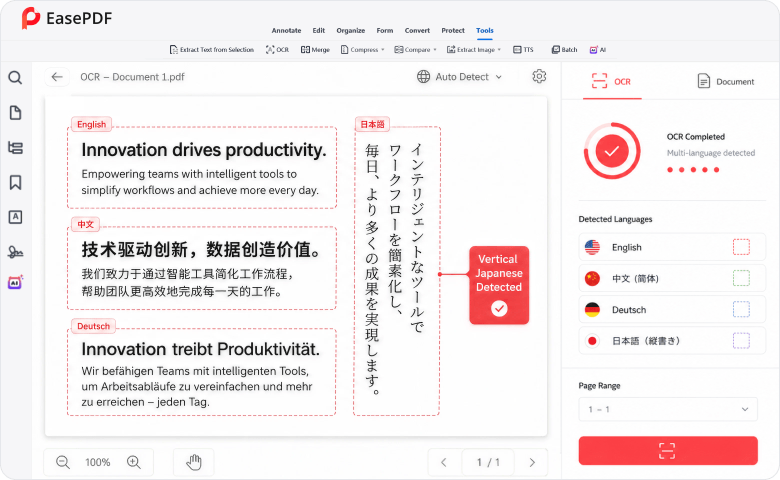
Multi-language and vertical Japanese OCR recognition

Intelligent Text-Image Separation

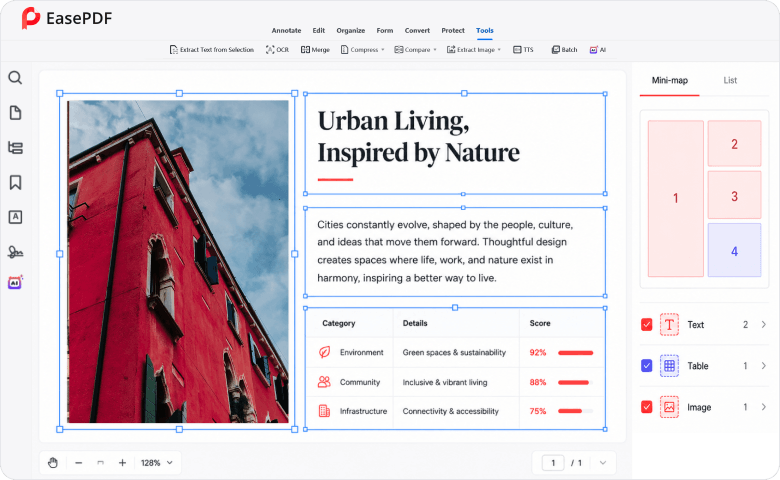
Struggling with multi-column academic papers, charts, or invoices with complex borders? EasePDF Pro precisely boxes text areas and separates them from images and tables. The reading order remains logical, ensuring your exported document is perfectly structured, not scrambled.

OCR text and image separation interface

Academic & Business Dual-Drive

Extract critical data from scanned financial invoices or digitize uneditable academic papers with a single click. Seamlessly route the extracted text into your downstream translation or editing workflows.

Academic and business OCR workflows

Stop Settling for “Fake OCR” and
Data Privacy Risks

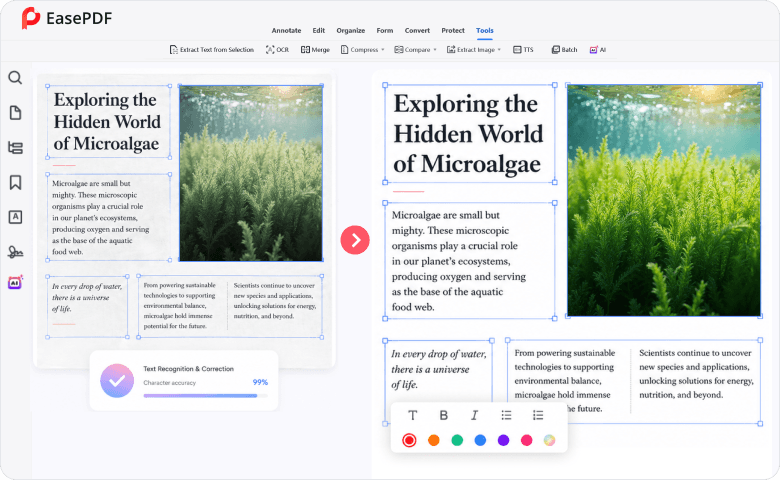
True Editable Text, Not Just “Searchable” Overlays

The Problem: Many cheap OCR tools merely slap an invisible text layer over your image (“Searchable PDF”). You still can't delete, retype, or format the text in Word. Worse, they lack contextual semantic correction, mixing up “I”, “l”, and “1”, or losing your original bold and italic formatting.

The EasePDF Solution: We deliver true text reconstruction. Your scanned document is converted into fully editable text with the original font styles, sizes, and spacing preserved. Our contextual engine slashes visual character errors, saving you hours of manual proofreading.

True editable OCR text reconstruction

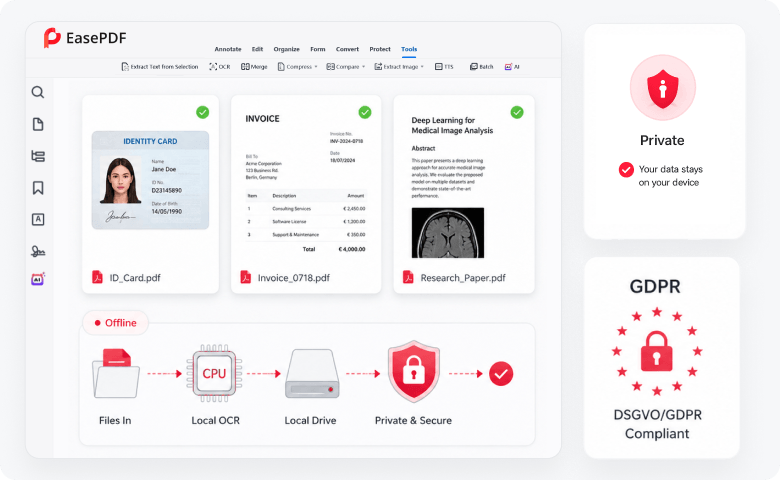
100% Offline: Zero Cloud Leaks (DSGVO/GDPR Compliant)

The Problem: Most high-accuracy OCR tools force you to upload sensitive ID cards, financial statements, or unpublished research to their cloud servers, violating strict corporate and European privacy regulations.

The EasePDF Solution: Uncompromising desktop security. EasePDF Pro relies entirely on local computing power. Your confidential documents are processed directly on your hard drive. Zero uploads, zero risk of leaks, and total peace of mind.

Offline OCR with zero cloud uploads

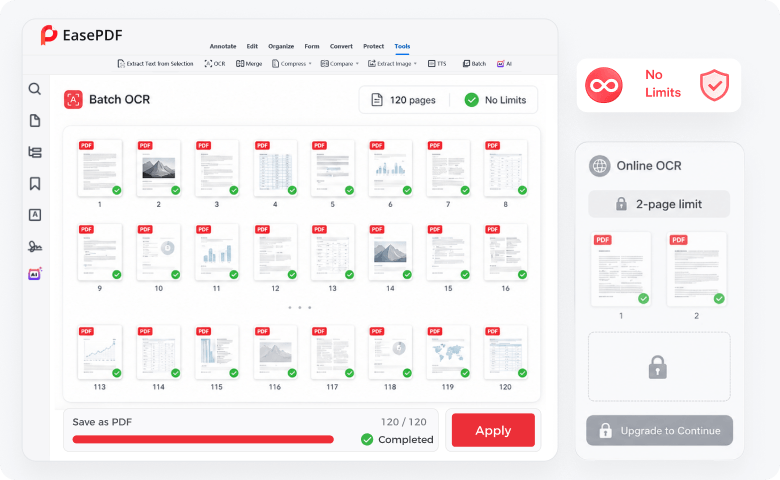
No Bait-and-Switch Limits

The Problem: “Free online OCR” usually means you get to scan exactly two pages before hitting a massive paywall, or you are forced to buy a bloated, overpriced suite like Adobe Acrobat just for one feature.

The EasePDF Solution: Say goodbye to extreme restrictions and bloated software. EasePDF Pro offers a lightweight, high-performance desktop tool with transparent pricing. Batch process hundreds of pages without arbitrary daily limits.

Unlimited OCR batch processing

Why FonePaw OCR Leads the Market

FeatureCloud SaaS E-SignaturesEasePDF Pro
Privacy & SecurityForces cloud uploads (High leak risk)100% Local processing (DSGVO Compliant)
Vertical Text (Japanese)Often outputs gibberish or scrambled textHighly accurate vertical text recognition
Output EditabilityOften limited to “Searchable PDFs”True, fully editable Word/Text extraction
Complex LayoutsMerges columns incorrectly, breaking formatsPrecise text bounding & structural retention
Usage LimitsRestricts pages/files per dayUnlimited batch processing offline

Your time is too valuable to spend retyping scanned documents.

Digitize, extract, and edit with pixel-perfect accuracy. Experience the most secure, multi-language desktop OCR tool available today.

30-Day Money-Back Guarantee100% Clean & Ad-Free24/7 Technical Support
OCR document recognition illustration