EasePDF Pro

Convert PDF to Word Flawlessly: Keep Your Original Formatting 100% Intact

Say goodbye to manual retyping and broken layouts! Precisely extract text, images, and tables into fully editable Word documents. 100% offline processing to guarantee your document privacy.

Zero UploadsNo Size RestrictionsPrivacy Protected
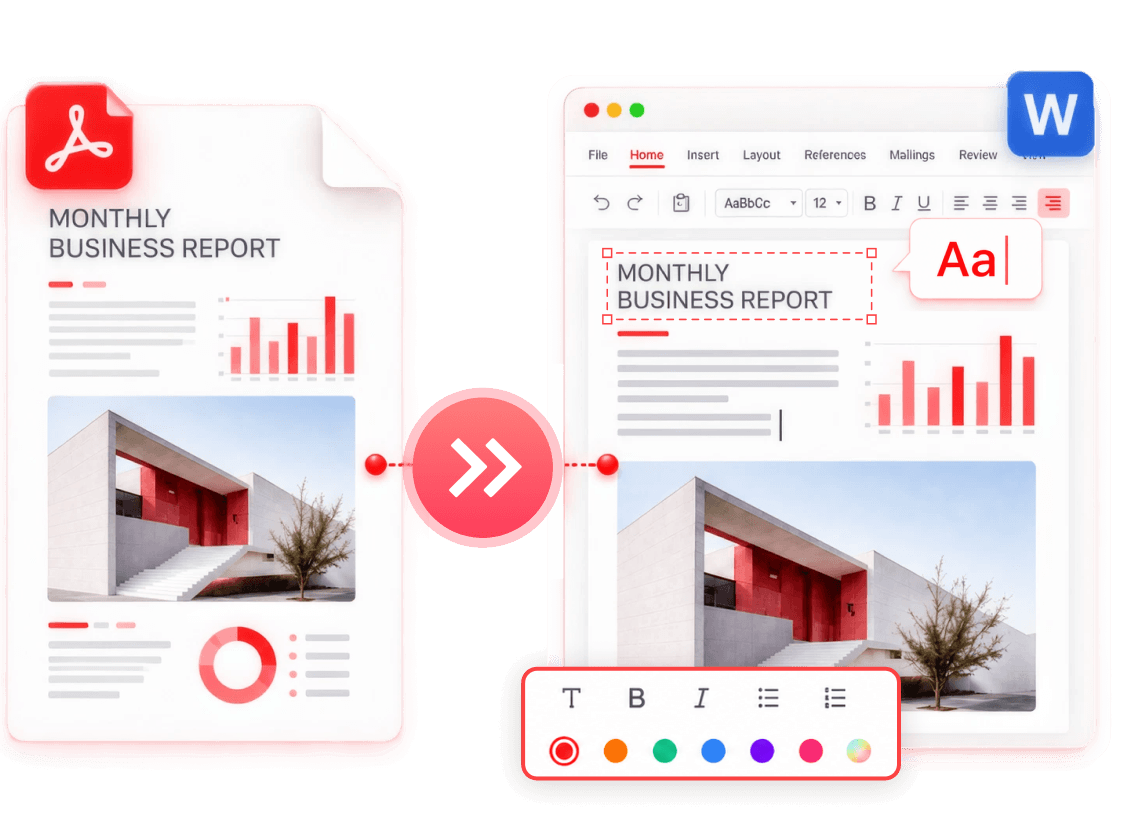
EasePDF PDF to Word conversion preview

The Ultimate PDF to Word
Engine: Edit Without Frustration

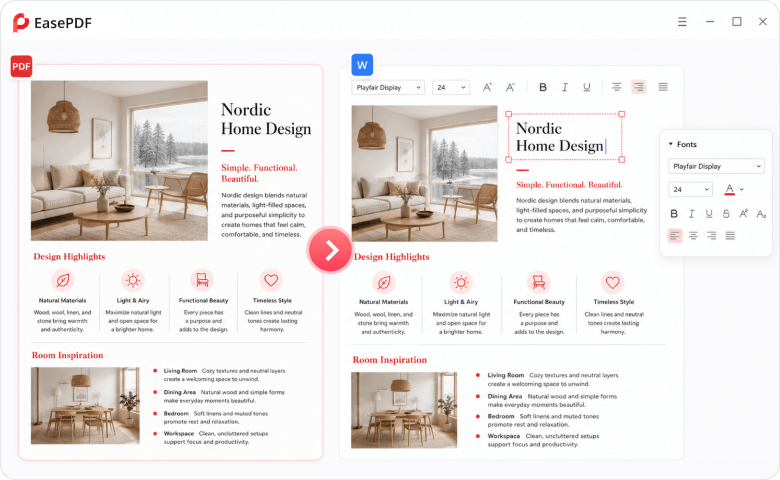
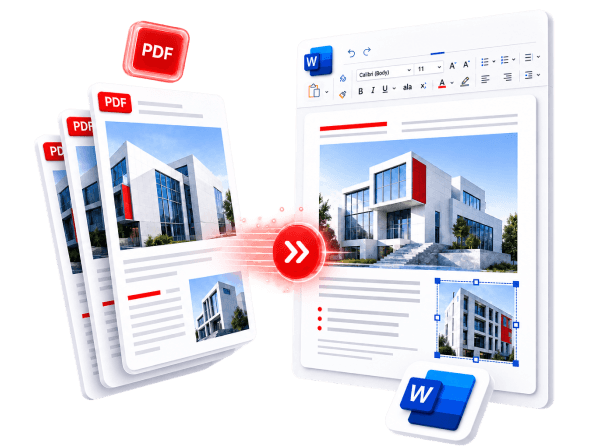
Pixel-Perfect Restoration & True Text Flow

Edit your extracted PDF content exactly as if you typed it in Word natively. We reconstruct the actual text flow, meaning you can delete a paragraph on page 1 without causing the layout on page 100 to instantly collapse.

Pixel-perfect PDF to Word text restoration

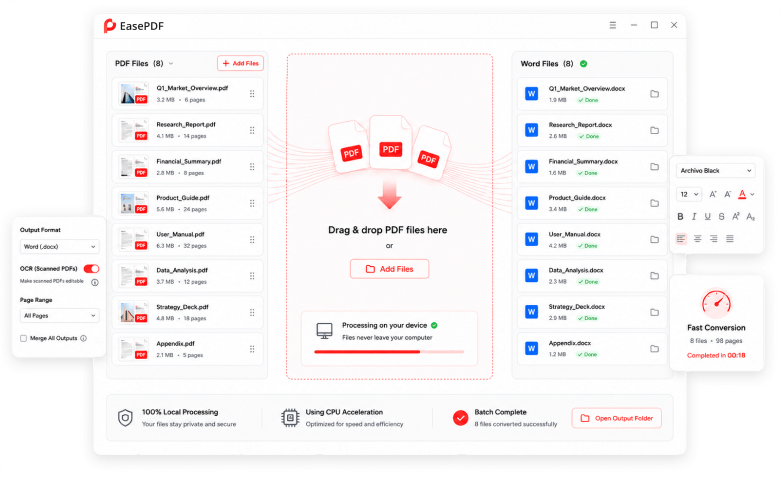
Unleash Offline Batch Processing

Have a folder full of 50 local PDF reports? Don't upload them one by one to a website. Simply drag and drop them into EasePDF Pro and convert them all simultaneously in seconds.

Offline batch PDF to Word processing

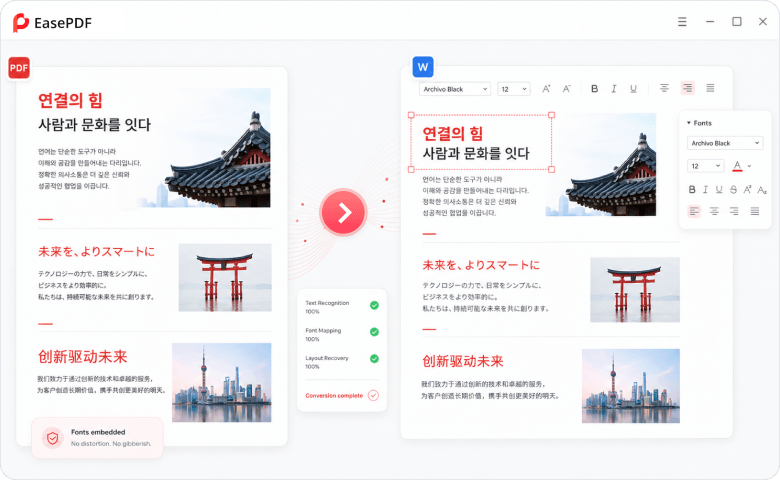
Zero Gibberish & Asian Language Mastery

Struggling with distorted text or missing fonts when converting regional formats (like Korean HWP documents)? Our advanced encoding engine perfectly maps complex fonts, ensuring zero gibberish or overlapping characters.

Accurate Asian language conversion

Stop Fighting Your Documents.
Experience Flawless Conversion.

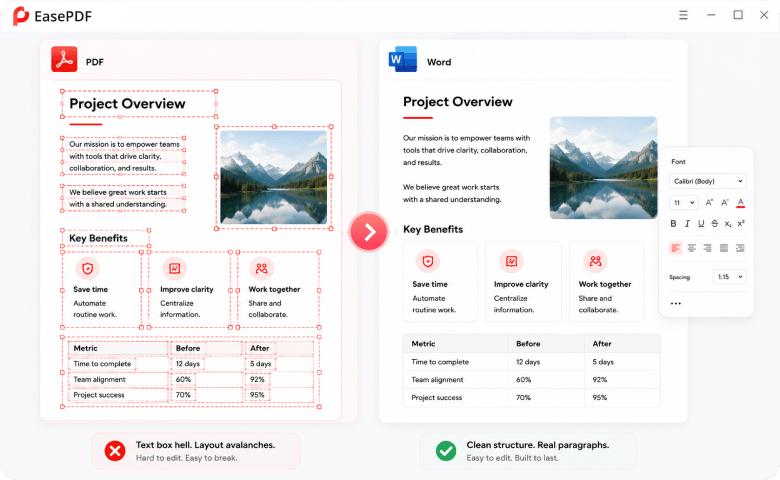
Defeating "Text Box Hell" and Layout Avalanches

The Nightmare: Other converters "fake" their Word outputs by forcing every line of text into isolated shapes or text boxes. When you try to add a word, the spaces disappear, words stick together, and editing becomes impossible.

The EasePDF Solution: We intelligently rebuild paragraph logic, margins, and line breaks. No invisible text boxes. Just clean, native Word formatting that responds perfectly to your edits.

Native Word paragraph and layout reconstruction

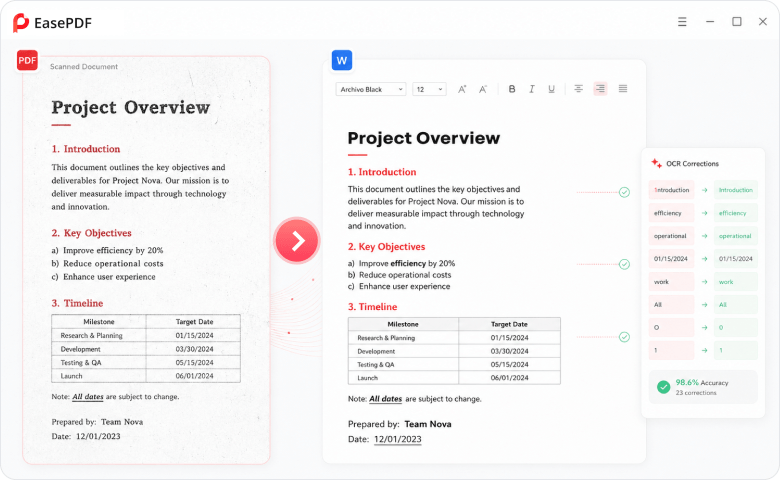
Unmatched OCR: No More "Lookalike" Typos or Paywalls

The Nightmare: Standard OCR constantly messes up—turning "w" into "vv", confusing "O" with "0", or dropping your bold and italic styles. Plus, most online tools force you to buy a premium subscription just to unlock OCR for scanned PDFs.

The EasePDF Solution: Included out-of-the-box, our high-precision OCR engine uses contextual semantics to flawlessly distinguish between "1" and "l". It perfectly retains your fonts, underlines, and original text styles without generating random subscript errors.

High-precision OCR text recognition

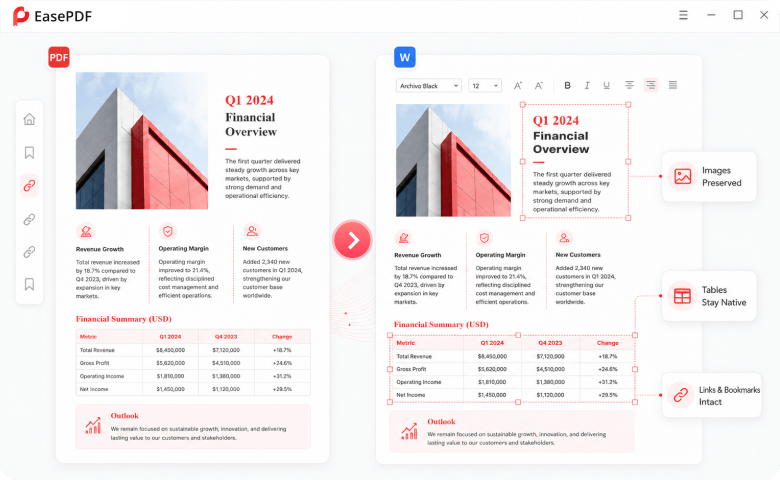
Saving Your Tables, Images, and Advanced Elements

The Nightmare: Complex multi-column layouts and financial tables get completely destroyed in Word, forcing you to waste hours redrawing borders and manually re-entering data. Images stretch bizarrely across the page.

The EasePDF Solution: EasePDF Pro accurately identifies table structures, borders, and column layouts, translating them directly into native Word tables. Images, hyperlinks, and bookmarks stay exactly where they belong.

Accurate tables and image conversion

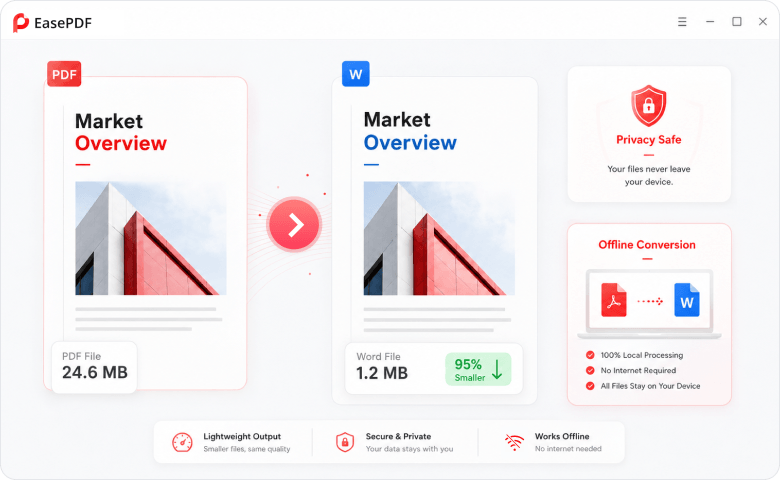
No More File Bloat & Privacy Leaks

The Nightmare: Online converters often render text as heavy images, causing a tiny 2MB PDF to explode into a 50MB Word file that crashes your email. Furthermore, uploading sensitive documents to the cloud is a major privacy risk.

The EasePDF Solution: EasePDF Pro optimizes the output file size to remain lightweight and highly performant. Because it's a 100% offline desktop software, your data never leaves your computer, ensuring total privacy.

Lightweight offline PDF conversion

Why FonePaw EasePDF Pro Desktop Dominates

Feature / BenefitStandard Online PDF to WordEasePDF Pro
Editing ExperienceCluttered with uneditable text boxes & shapesTrue text flow; behaves like a native Word doc
Table & LayoutTables break, columns merge incorrectly1:1 precise structural reconstruction
File SizeInflates file size drasticallyLightweight, optimized Word files
Privacy & SecurityRequires cloud uploads100% Offline processing. Zero leak risk
OCR FunctionalityOften locked behind a separate paywallBuilt-in high-precision OCR for scanned docs

Your time is too valuable to spend fixing broken Word documents.

Stop settling for messy formatting and gibberish. Convert your PDFs to Word with the precision, privacy, and power that only a dedicated desktop tool can provide.

30-Day Money-Back Guarantee100% Clean & Ad-Free24/7 Technical Support
EasePDF Pro desktop application preview